
What I Was Trying to Accomplish
I had a rough idea for a blog post.
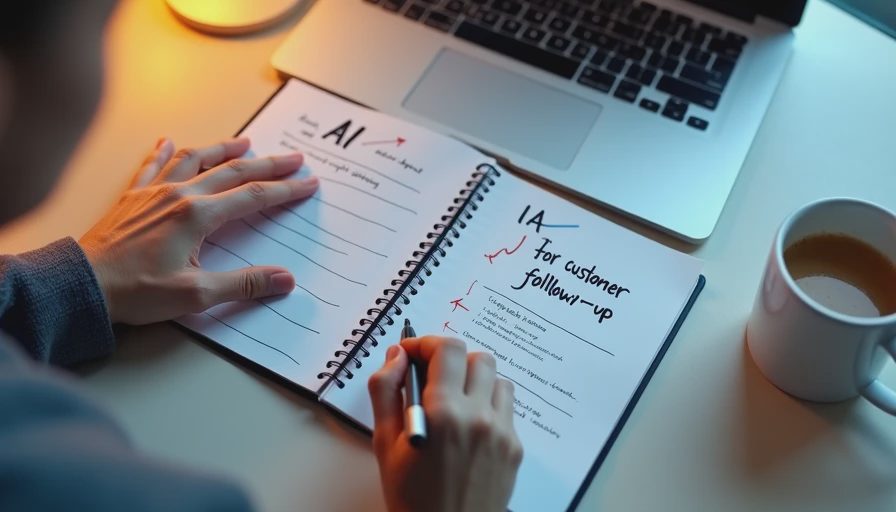
Not a full outline. Not a draft. Just a direction. A single sentence: "Something about how small businesses can use AI for customer follow-up."
That's it. That's what I started with.
I had about 30 minutes before a meeting. I wanted to turn that rough idea into a first draft I could react to. Not a final draft. Not a polished piece. Just something I could edit.
I tried a simple process. Here's what happened.
What I Used
Tool: A general-purpose AI assistant (free tier)
Input: One sentence of a rough idea
Time available: 30 minutes
Goal: A usable first draft, not a final version
The Process
I used a four-step process.
Step 1: Define the task. I told the AI what I was trying to produce. Not "write something about AI." That's too vague. I said: "Write a first draft of a blog post about how small businesses can use AI for customer follow-up."
Step 2: Define the audience. I told the AI who this was for. "Small business owners. They're not technical. They want practical advice, not theory."
Step 3: Define the structure. I gave the AI a skeleton. "Introduction, three specific use cases, a section on limitations, and a conclusion."
Step 4: Provide constraints. I told the AI what to avoid. "No jargon. No hype. Keep it under 800 words. Use plain language."
Then I asked for a first draft.
The Prompt
Here's the exact prompt I used:
"I need a first draft of a blog post. Topic: how small businesses can use AI for customer follow-up. Audience: small business owners, non-technical, want practical advice. Structure: introduction, three specific use cases, a section on limitations, conclusion. Constraints: no jargon, no hype, under 800 words, plain language. Write the first draft."
It took about 15 seconds to get a response.
The First Draft
The AI produced a draft. It was about 700 words. It had an introduction, three use cases, a limitations section, and a conclusion.
It looked like this:
Introduction
Small businesses struggle with customer follow-up.
AI can help.
This post will show three ways.
Use Case 1: Drafting Follow-Up Emails
AI can draft emails.
Keep them personal.
Don't sound robotic.
Use Case 2: Scheduling Follow-Ups
AI can help schedule.
Use templates.
Don't forget the human touch.
Use Case 3: Summarizing Customer Interactions
AI can summarize.
Useful for handoffs.
Check for accuracy.
Limitations
AI can sound generic.
AI can miss context.
Human review is still needed.
Conclusion
AI is a tool.
Use it for the boring parts.
Keep the human parts human.
It was a draft. It was structured. It was clean.
But it wasn't done.
What the AI Did Well
It followed the structure. I asked for three use cases and a limitations section. It delivered.
It followed the constraints. No jargon. No hype. Under 800 words. Plain language.
It was fast. Fifteen seconds to get a draft. That's faster than staring at a blank page for ten minutes.
It gave me something to react to. When I have a draft, I can edit it. When I have a blank page, I have to create.
What Still Needed My Attention
It was generic. The use cases were obvious. "Drafting follow-up emails" is not a new idea. The draft didn't have a unique angle.
It missed specifics. I wanted examples. Real examples. The AI gave me categories, not examples.
It missed the human element. Small business owners don't want to sound like robots. The draft didn't address that enough.
It missed the limitations. The AI mentioned limitations, but they were generic. "AI can sound generic" is not a specific limitation.
It missed my voice. The draft didn't sound like me. It sounded like a template.
The Revisions I Made
I spent about 20 minutes editing the draft.
I added a specific example to each use case. I rewrote the introduction to be more engaging. I added a personal anecdote. I rewrote the limitations section to be more specific. I made the conclusion more actionable.
The final draft was about 850 words. It was 50% AI draft, 50% my edits.
Here's what I learned: the AI gave me a skeleton. I added the flesh.
The Math
Without AI: Starting from a rough idea and writing a first draft would have taken about 45 minutes.
With AI: Generating the draft, editing it, and adding specifics took about 35 minutes.
Time saved: About 10 minutes. Not an hour. Just the worst 10 minutes—the blank page, the "where do I start?" feeling.
The Part That Worked—and the Part That Didn't
Worked: The process. Defining the task, audience, structure, and constraints before asking for a draft. That made the output more useful.
Didn't work: The draft itself. It was too generic. It needed specifics, examples, and a human voice. The AI couldn't provide those.
Would I Trust This Result Without Checking It?
No.
The draft was a starting point. It wasn't a final version. I wouldn't publish it without adding specifics, examples, and my own voice.
But it did save me time. It got me from rough idea to rough draft in 15 seconds. That's worth something.
My Question for You
What's your process for turning a rough idea into a first draft?
Do you use a similar structure? Do you use a different tool? Do you skip AI entirely and just start writing?
I'm curious what works for other people. I've been using this process for a few months. It's not perfect, but it's better than staring at a blank page.


